
“Are you free Tuesday at 2?”
“No, how about 4?”
“Sorry, conflict. Wednesday?”
This endless back-and-forth is Calendar Tetris, and it quietly destroys productivity. Studies show professionals lose 3–5 hours every week just scheduling meetings.
In 2026, this should not be manual work.
A new generation of AI scheduling assistants now connects directly to your Google or Outlook calendar. These tools don’t just send links—they think, negotiate, protect your focus time, and reschedule conflicts automatically.
In this guide, you’ll learn:
- The 3 best AI tools that schedule meetings
- Which one is free, best for teams, or ideal for busy brains
- How AI actually works behind the scenes to manage your calendar
How AI Is Used in Scheduling (Simple Explanation)
Traditional tools like Calendly only show availability.
AI schedulers do more:
- Analyze your calendar patterns
- Block deep work, lunch, and energy-based time
- Negotiate meeting times automatically
- Reschedule lower-priority events when conflicts appear
Think of them as AI executive assistants, not booking pages.
Yes—you can absolutely use AI to schedule meetings, and no, ChatGPT alone cannot manage your calendar without these tools.
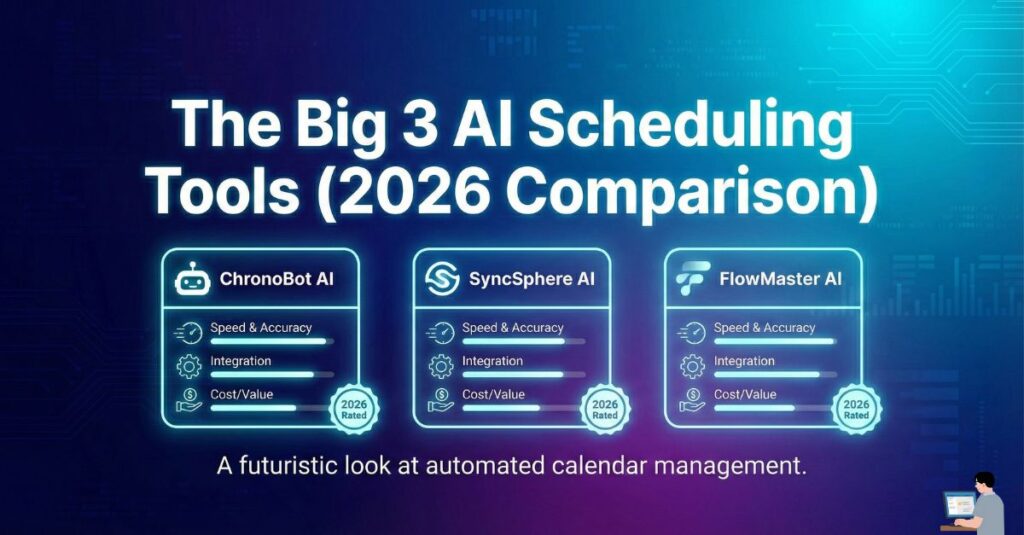
The Big 3 AI Scheduling Tools (2026 Comparison)
1. Reclaim.ai — Best Free AI Scheduler
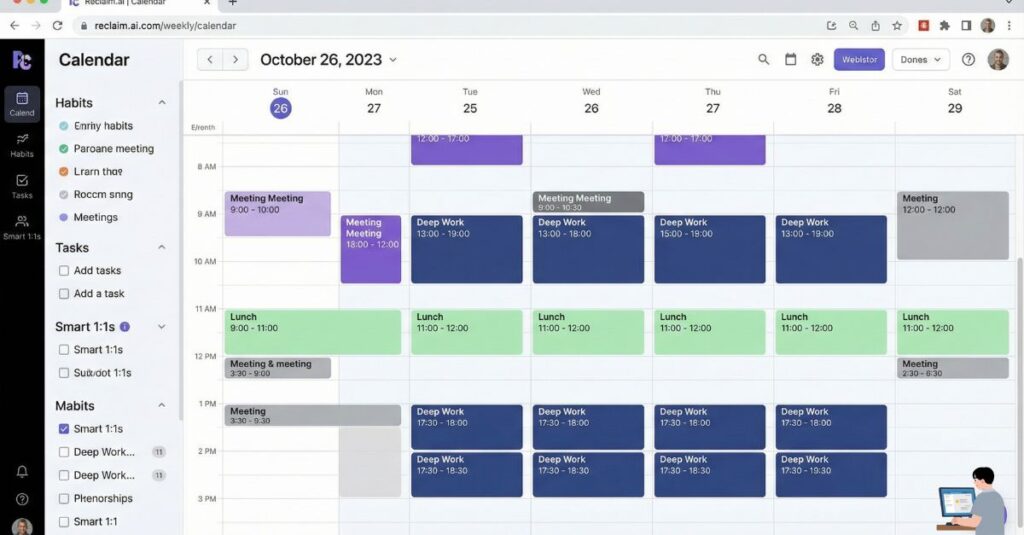
Best for: Individuals, freelancers, ADHD/neurodivergent users
Free plan: ✅ Yes (very usable)
Why it stands out
Reclaim focuses on work-life balance, not just meetings.
It lets you define rules like:
- “Lunch every day for 30 minutes”
- “1 hour of deep work each morning”
- “No meetings after 6 PM”
The AI blocks these automatically—and moves them only when needed.
Why people love it
- Works as a free AI calendar
- Schedules meetings without a bot joining calls
- Best free alternative to Calendly that actually uses AI
Perfect if:
You want an AI scheduling assistant that protects your time, not just fills it.
2. Motion — Best AI Scheduler for Power Users
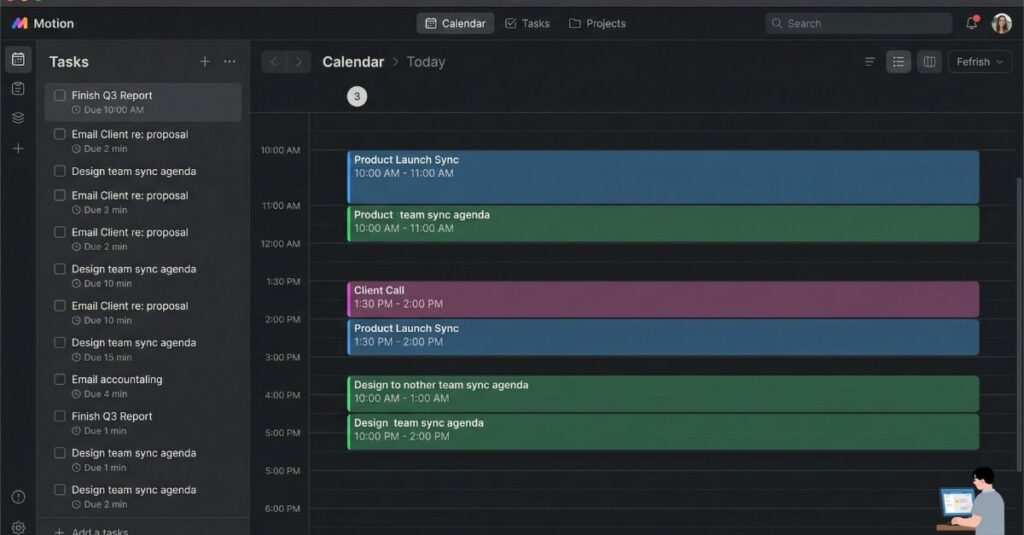
Best for: Executives, founders, project managers
Free plan: ❌ No
Why it’s different
Motion merges:
- Tasks
- Deadlines
- Meetings
- Priorities
into one AI-driven schedule.
If a meeting runs late, Motion rebuilds your entire day automatically—like GPS rerouting traffic.
Common use cases
- AI schedule generator for overloaded calendars
- Best AI scheduling assistant for high-output roles
- Ideal for people who want zero manual planning
Tradeoff: Powerful, but expensive and intense.
3. Clockwise — Best AI Tool for Teams
Best for: Teams using Google Workspace
Free plan: ✅ Yes (basic)
What it does best
Clockwise optimizes team calendars, not just yours.
It:
- Finds fragmented time
- Suggests meeting shifts
- Creates shared “Focus Time” blocks
- Negotiates changes across multiple calendars
Great for
- Reducing internal meeting overload
- Team-wide productivity
- Managers asking: “Why do we have no focus time?”
Does it work for small teams?
Yes—but its biggest value shows up with 5+ people.
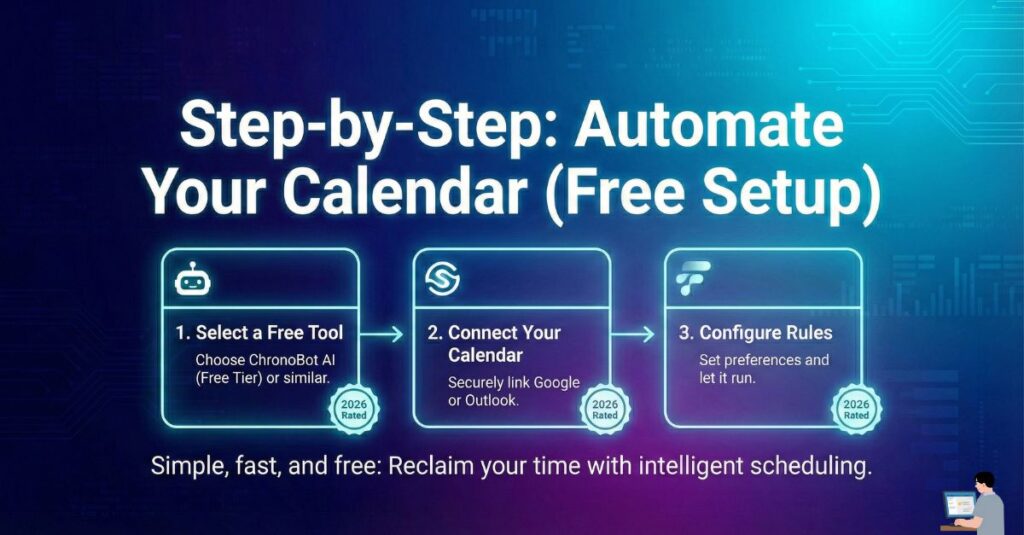
Step-by-Step: Automate Your Calendar (Free Setup)
Bonus Step: Use AI to Find Your “Deep Work” Hours Before you let an AI scheduler manage your day, you need to know when you are most productive. Don’t guess. Ask ChatGPT to audit your energy.
Copy This Prompt: (Paste this into your Elementor Grey Box)
“Act as a Productivity Coach. I want to optimize my schedule for ‘Deep Work.’ Ask me 5 questions about my energy levels, sleep habits, and daily distractions. Based on my answers, tell me exactly which 2-hour block of the day I should protect for high-focus work, and which hours I should leave open for meetings.”
Step 1: Connect Your Calendar
Sign in to Reclaim.ai using Google Calendar or Outlook.
Grant edit access so the AI can reschedule intelligently.
Step 2: Set “Habits” (Critical Step)
Habits tell the AI what matters.
Examples:
- Lunch (30 min)
- Deep work (1–2 hrs)
- Admin/email time
This prevents meetings from stealing your life.
Step 3: Create Smart Booking Links
Unlike basic tools, Reclaim offers:
- High-priority links (clients, bosses)
- Low-priority links (casual meetings)
The AI decides what time blocks to expose.
Step 4: Let AI Handle Negotiation
Someone picks a time → AI books it → invite sent → conflict handled.
No emails. No follow-ups.
Frequently Asked Questions
Can AI handle email back-and-forth scheduling for me?
Yes. Modern AI schedulers eliminate the “Are you free?” email chain entirely. They share smart availability links, interpret responses, and automatically confirm meeting times. Some tools can even reschedule if someone declines—without you sending a single follow-up email.
Can AI schedule meetings around deep work or high-energy times?
Absolutely. Tools like Reclaim.ai, Motion, and SkedPal let you define rules such as “no meetings before 10 AM” or “protect 2 hours of focus time daily.” The AI treats these blocks as priorities and only moves them if a higher-value meeting appears.
Will the AI automatically reschedule conflicts if something important comes up?
Yes. This is where AI schedulers shine. If a high-priority meeting conflicts with an existing one, tools like Motion and Reclaim automatically rearrange lower-priority tasks or meetings to keep your day balanced—no manual cleanup needed.
Can AI handle multiple people and different time zones reliably?
Yes. Clockwise and Motion are especially strong here. They analyze availability across teams, account for time zones, and suggest meeting times that minimize disruption. This is ideal for remote teams or global clients.
Is there a free AI scheduling tool that actually works well?
Yes. Reclaim.ai offers one of the best free plans available. It includes habit-based time blocking, smart booking links, and automatic rescheduling—features that normally cost money in other tools.
Is it safe to give an AI full access to my calendar?
Reputable tools use enterprise-grade security, are GDPR and SOC-2 compliant, and clearly state that your private data is not used to train AI models. Always review permissions, but top tools are built for professional use.
Can these tools work with both Outlook and Google Calendar?
Some can, some can’t. Most support Google Calendar, and many also support Outlook/Office 365. If you manage both work and personal calendars, check integration details to avoid double-booking before choosing a tool.
The Verdict: Which AI Scheduler Should You Use?
- Want a free, smart AI calendar? → Reclaim.ai
- Want aggressive, task-driven automation? → Motion
- Want fewer meetings across your team? → Clockwise
AI won’t replace human assistants tomorrow—but it already replaces scheduling chaos today.
Stop negotiating time.
Let AI do it for you.